Earn
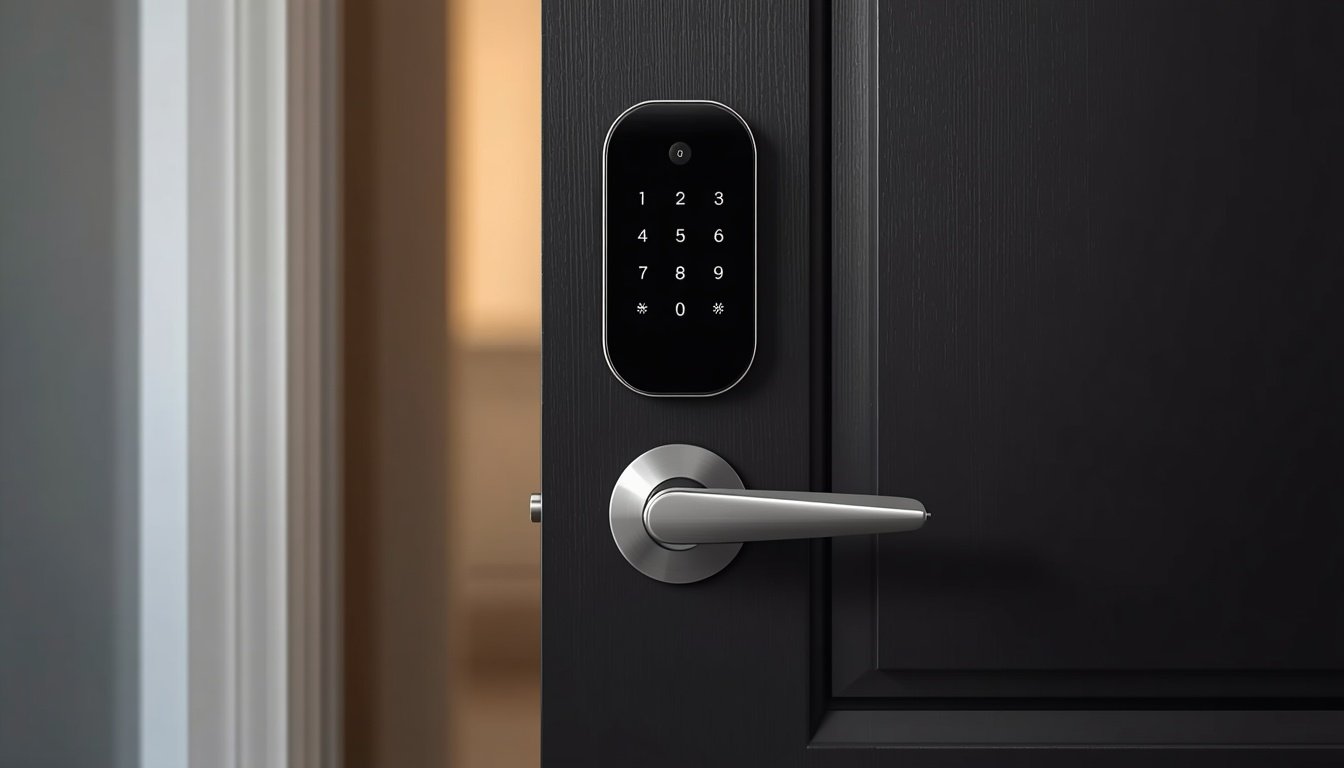
Smart locks are changing the way people secure and access their homes. Instead of relying only on traditional keys, a smart lock can let you unlock your door with a smartphone, PIN code, fingerprint, NFC device, or compatible smart-home system.
Depending on the model, you can also create temporary access codes, check whether your door is locked, receive activity notifications, and control the lock remotely.
But are smart locks actually secure? Which type is right for your home? Do you need Wi-Fi, Bluetooth, Matter, or a smart-home hub?
In this complete guide, we explain what a smart lock is, how smart locks work, the different types, their benefits and disadvantages, installation, security considerations, the best smart lock options in 2026, and what to look for before buying one.
What Is a Smart Lock?
A smart lock is an electronic door lock that allows you to control access using digital technology instead of relying entirely on a traditional key.
Depending on the model, you may be able to lock or unlock your door using:
- A smartphone app
- PIN or keypad codes
- Fingerprint recognition
- NFC
- Apple Home Key
- Bluetooth
- Voice assistants
- A traditional physical key
Many smart locks can also record access activity, automatically lock the door after a specified period, and provide temporary access to family members, guests, cleaners, or service providers.
Some smart locks replace your entire deadbolt, while retrofit models can work with parts of your existing lock.
How Do Smart Locks Work?
A typical smart lock combines a traditional mechanical locking mechanism with electronic components.
The main components usually include:
- Lock mechanism – Physically moves the deadbolt or latch.
- Motor and electronics – Operate the lock and process commands.
- Sensors – Help determine the lock or door status.
- Battery – Provides power to the electronic components.
- Connectivity system – Bluetooth, Wi-Fi, Thread, Z-Wave, Zigbee, or another supported technology.
- Mobile app or smart-home platform – Allows you to manage the lock.
For example, when you enter a valid PIN on a keypad, the lock verifies the code and activates its motor. The motor then turns the mechanism and unlocks the door.
The exact process depends on the lock and the access method being used.
Smart Lock Connectivity: Wi-Fi, Bluetooth, Thread, Matter, and More
One of the most confusing parts of buying a smart lock is understanding connectivity.
Bluetooth
Bluetooth allows your phone to communicate directly with the lock when you are nearby.
Advantages:
- Low power consumption
- Simple setup
- Useful for local control
Disadvantage:
- Usually does not provide the same remote-control capability as a Wi-Fi-connected lock.
Wi-Fi
Wi-Fi allows a compatible smart lock to connect to your home network.
This can enable features such as remote access, notifications, and control while you are away from home.
The downside is that Wi-Fi generally uses more power than lower-power communication technologies, so battery management is important.
Z-Wave and Zigbee
Z-Wave and Zigbee are low-power wireless technologies commonly used in smart-home systems.
They can be useful when you already have a compatible hub or home-automation system.
Thread
Thread is a low-power wireless networking technology designed for connected smart-home devices.
Some newer smart locks use Thread as part of their connectivity architecture.
Matter
Matter is different from Wi-Fi, Bluetooth, and Thread.
Matter is a smart-home interoperability standard, designed to help compatible devices communicate across supported smart-home ecosystems.
For buyers, Matter can be useful if they want more flexibility when building a smart home with devices from different manufacturers.
However, Matter support does not mean every feature will automatically work across every platform. Always check the exact features supported by the lock, app, and smart-home ecosystem you plan to use.
Types of Smart Locks
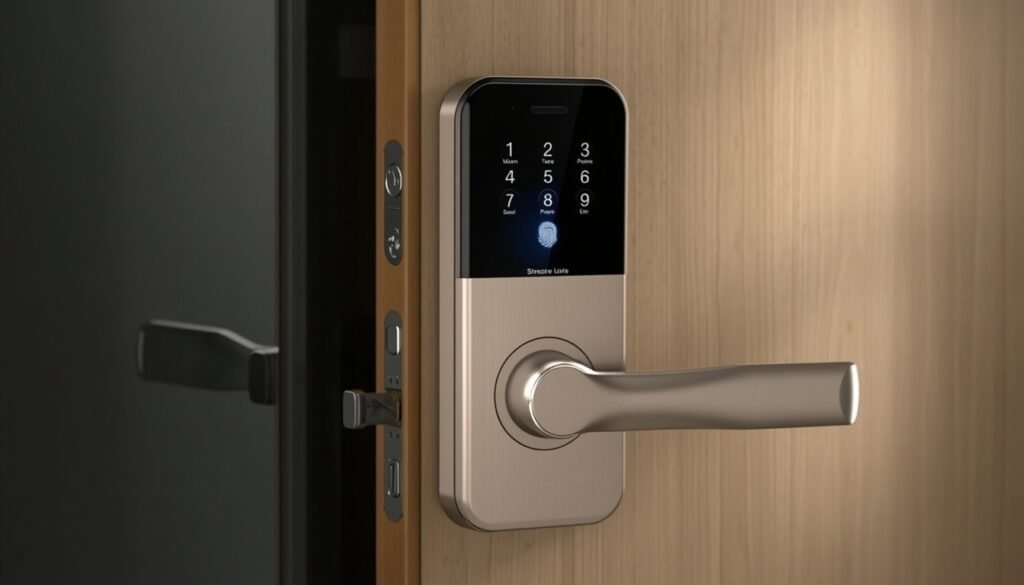
Smart locks come in several designs. Choosing the right type depends on your door, budget, and preferred method of entry.
1. Retrofit Smart Locks
Retrofit smart locks are designed to work with some existing door hardware.
Instead of replacing the entire lock, the smart component may replace or operate the interior portion of the existing mechanism.
Best for: Renters and homeowners who want easier installation or want to keep their existing exterior hardware.
2. Full-Replacement Smart Locks
These replace the existing lock hardware with a complete smart-lock system.
They may include an exterior keypad, touchscreen, fingerprint reader, or other access method.
Best for: Homeowners who want a complete smart-lock upgrade.
3. Keypad Smart Locks
Keypad models allow you to unlock the door by entering a PIN.
This can be especially useful for families because each person can have their own code.
You can also create temporary or scheduled codes on supported models.
4. Fingerprint Smart Locks
Fingerprint smart locks use biometric recognition to identify an authorized user.
They can be very convenient because you do not need to remember a PIN or take your phone out of your pocket.
However, fingerprint readers can sometimes have difficulty recognizing fingers that are wet, dirty, or positioned incorrectly.
5. Lever Smart Locks
Smart lever locks combine the locking mechanism and door handle into one product.
They can be useful for doors that use a lever-style entry system rather than a traditional deadbolt.
6. Commercial and Mortise Smart Locks
Commercial-grade and mortise smart locks are designed for different door configurations and may offer more advanced access-control features.
They are often more complicated to install than standard residential deadbolt replacements.
Important Smart Lock Features to Look For in 2026
Not every smart lock has the same features. Before buying one, consider the following.
Auto-Lock
Auto-lock automatically locks the door after a specified period.
For example, you could configure the lock to automatically lock after 30 seconds or several minutes.
This is useful if you frequently forget to lock the door when leaving.
Temporary Access Codes
Temporary codes allow you to give someone access without handing over a physical key.
For example, you might create a code for:
- Family members
- House cleaners
- Dog walkers
- Repair technicians
- Guests
- Short-term rental visitors
On supported models, these codes can be limited by time or deleted when they are no longer needed.
Activity History
Some smart locks keep an activity history showing when the lock was accessed.
This can help you understand who entered the home and when, although the exact logging capabilities vary between brands and models.
Low-Battery Alerts
Battery-powered smart locks should provide some form of low-battery warning.
This feature is important because a smart lock that loses power can become inconvenient if you do not have a backup entry method.
Emergency Power
Some models provide an external emergency power option, while others retain a physical key cylinder.
Before purchasing, check exactly how the lock can be opened if its batteries become completely depleted.
Voice Assistant Support
Some smart locks work with platforms such as Amazon Alexa, Google Home, or Apple Home.
However, voice unlocking may require additional authentication or may not be supported on every model.
Smart-Home Integration
If you already use a smart-home ecosystem, check whether your chosen lock works with it.
Compatibility can affect automations, remote access, voice control, notifications, and other features.
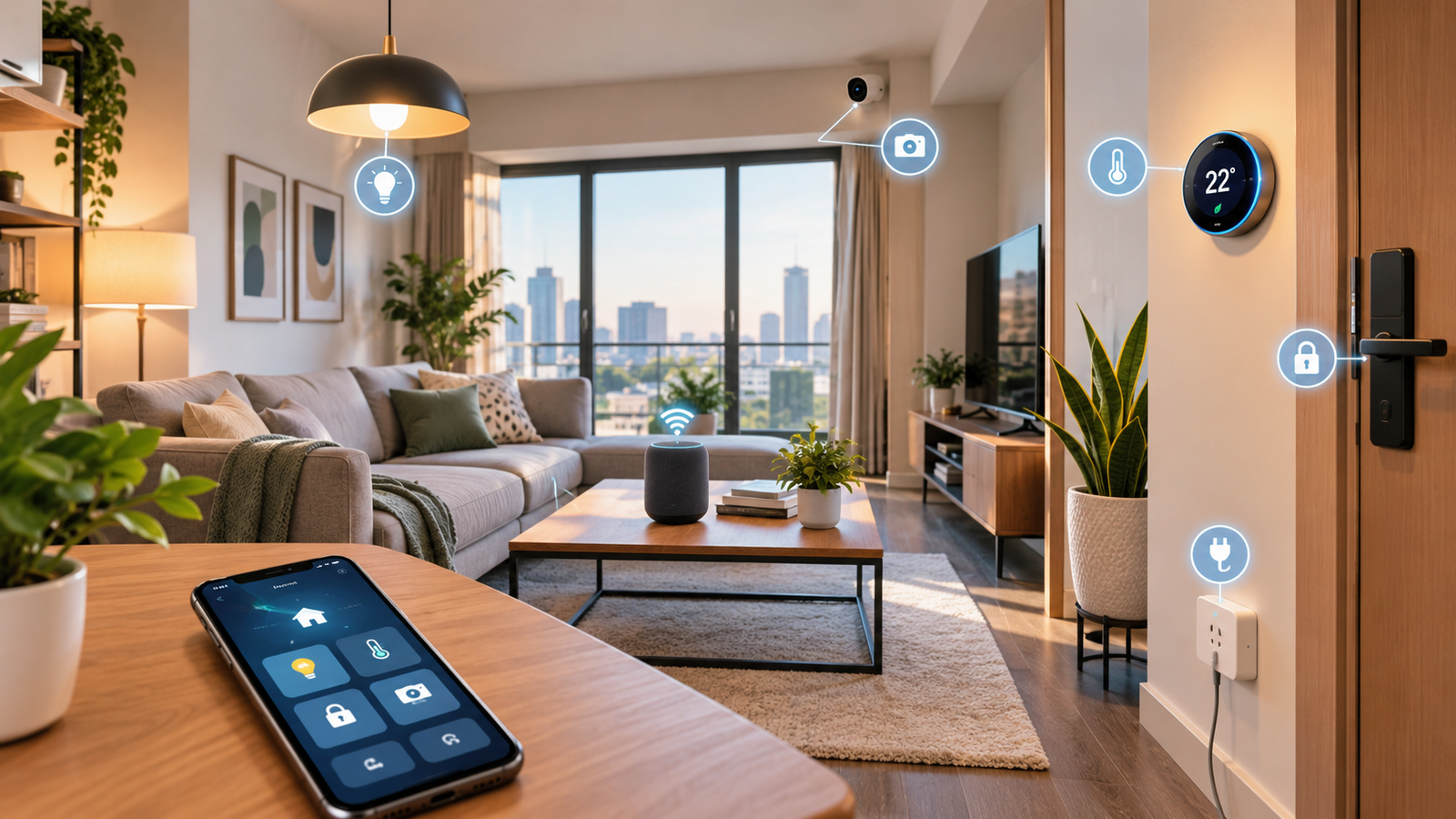
If you want to create a more connected living space, explore our guide to smart home technology for apartments, which explains smart lighting, security devices, automation, and ways to connect compatible smart-home products.
Matter Support
Matter compatibility can be valuable if you want your smart lock to work with supported smart-home platforms.
But do not buy a lock solely because it has a Matter logo. Check which functions are actually available through Matter and which require the manufacturer’s own app or hub.
Benefits of Smart Locks
1. Keyless Entry
One of the biggest advantages is convenience.
You can potentially unlock the door using your phone, PIN, fingerprint, or another supported method instead of carrying a physical key.
2. Temporary Access
You can give guests or service providers digital access without making duplicate physical keys.
When they no longer need access, you can remove their permission.
3. Remote Control
Wi-Fi-connected models can allow remote lock status checks and other remote features when properly configured.
This can be useful if you leave home and suddenly wonder whether you locked the door.
4. Activity Monitoring
Supported smart locks can record access events, helping you keep track of entries and exits.
5. Integration With Smart Homes
A smart lock can become part of a larger home-automation setup.
For example, supported systems may allow your door lock to interact with lights, cameras, alarms, or other smart-home devices.
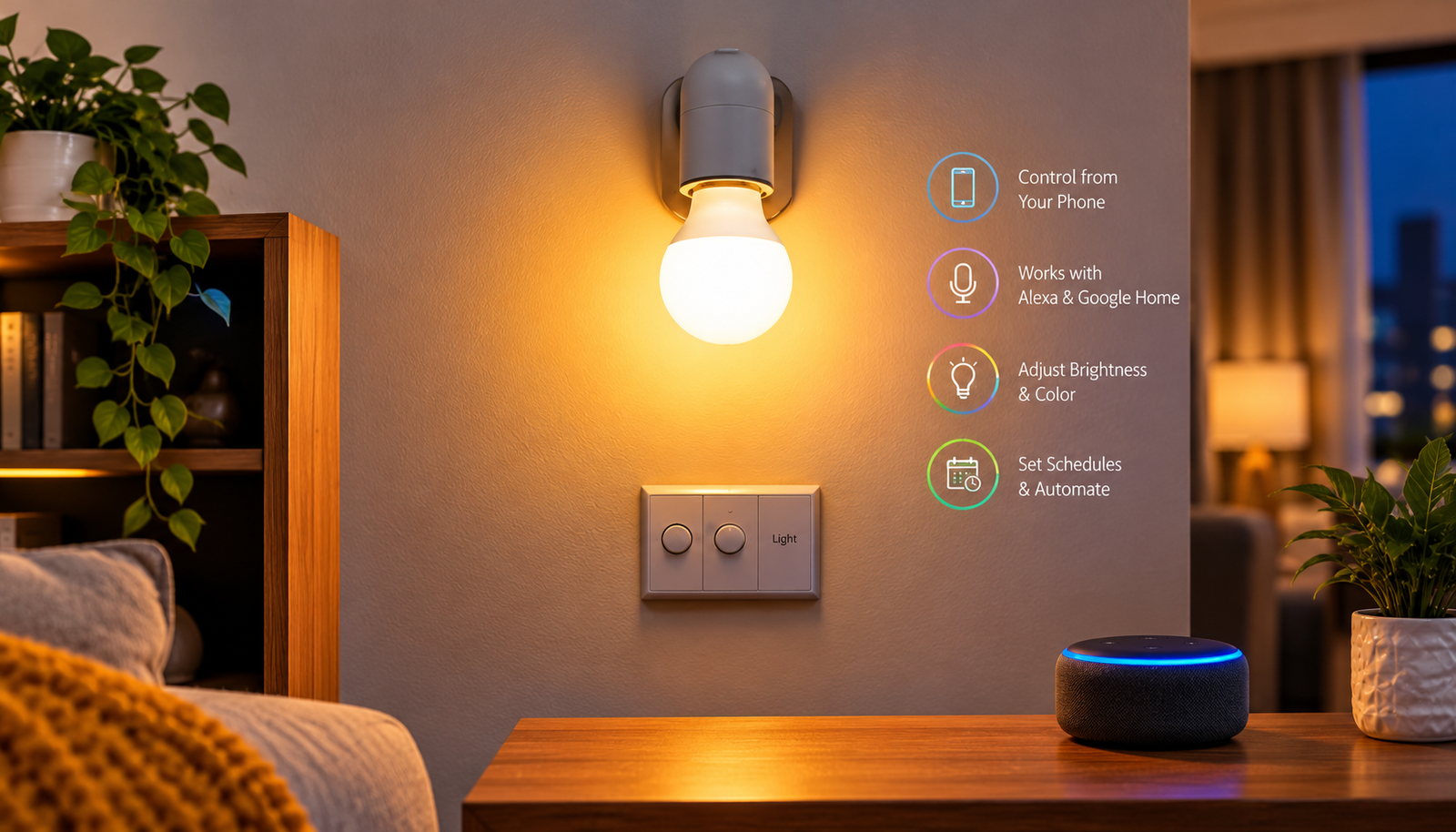
Smart locks can work alongside smart lighting to make everyday home routines more convenient. For example, compatible smart-home systems may turn on lights when you arrive home or unlock the door. Learn more in our guide to smart bulbs to discover how smart lighting can improve your smart-home setup.
6. No Need to Share Physical Keys
Instead of giving someone a spare key, you may be able to create a digital access code.
This can make managing access easier, particularly for families and property managers.
7. Useful for Rentals
Some smart locks can be especially useful for rental properties because access codes can be changed without physically replacing keys.
Always check local laws, building rules, and landlord requirements before installing one in a rental property.
Disadvantages and Potential Risks of Smart Locks
Smart locks offer convenience, but they are not completely risk-free.
Battery Dependency
Most residential smart locks depend on batteries.
If the batteries become completely depleted, electronic features may stop working.
Always understand the lock’s emergency-entry method and keep replacement batteries available.
Cybersecurity Risks
A connected smart lock is another networked device that must be secured.
Potential risks can include compromised accounts, weak passwords, outdated firmware, insecure network configurations, or vulnerabilities in the manufacturer’s software.
This does not mean smart locks are inherently unsafe. It means you should choose reputable manufacturers and keep the device and account properly secured.
Internet Dependency
Some remote features require an internet connection.
If your internet connection goes down, you may lose remote-control capabilities even though local entry methods can continue to work.
The exact behavior depends on the model.
Privacy
Smart-lock apps may collect information related to device usage and access events.
Before buying, review the manufacturer’s privacy policy and understand what data is collected, how it is stored, and whether it is shared.
Installation Problems
A smart lock cannot compensate for a poorly aligned or damaged door.
If the deadbolt already sticks or requires excessive force, fix the door alignment before installing a motorized smart lock.
Compatibility
Not every smart lock works with every door or smart-home platform.
Check your:
- Door thickness
- Backset
- Lock type
- Existing hardware
- Smart-home ecosystem
- Wi-Fi or Thread requirements
- Required hub or bridge
before purchasing.
Are Smart Locks Secure?
A smart lock can provide excellent security, but it should not be treated as a magic security solution.
The physical strength of the lock still matters.
When comparing products, look at the manufacturer’s security certifications, mechanical construction, encryption, firmware-update practices, account security, and backup entry methods.
You should also secure the account connected to your smart lock.
Smart Lock Security Checklist
For better security:
- Use a strong, unique account password.
- Enable two-factor authentication when available.
- Keep the lock firmware updated.
- Use secure Wi-Fi.
- Avoid sharing your main access code.
- Create separate codes for different users when supported.
- Remove old users and temporary codes.
- Keep backup batteries available.
- Understand the emergency-entry procedure.
- Buy from a reputable manufacturer.
A smart lock is only one part of home security. A strong door, quality deadbolt, secure frame, good lighting, and a properly installed security system can all contribute to overall protection.
How to Install a Smart Lock
Many residential smart locks are designed for DIY installation, although installation difficulty varies considerably by door and lock type.
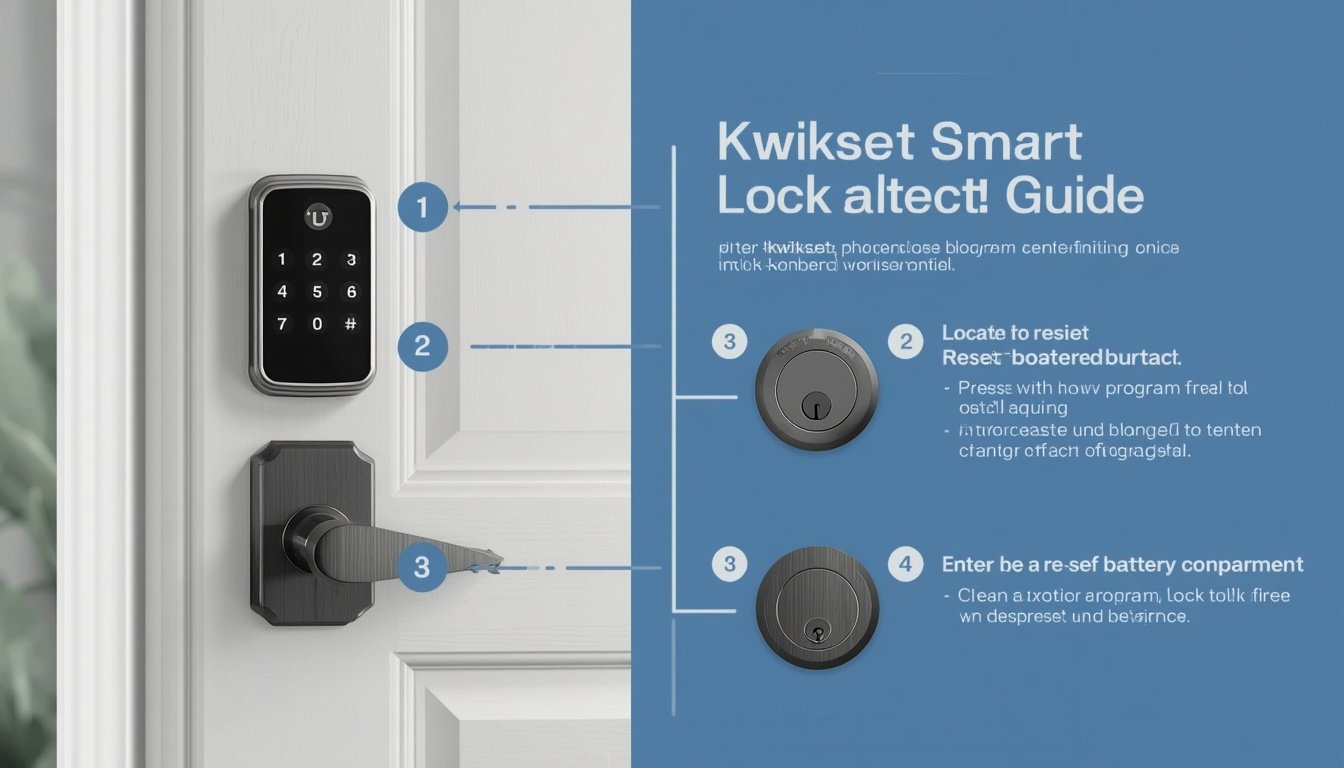
A typical installation may involve these steps:
Step 1: Check Compatibility
Before removing anything, confirm that the smart lock is compatible with your door.
Check the manufacturer’s requirements for door thickness, backset, deadbolt type, and other measurements.
Step 2: Remove the Existing Lock
If your model is a full replacement, remove the existing deadbolt or lock according to the manufacturer’s instructions.
Step 3: Install the New Hardware
Install the exterior and interior components carefully.
Make sure the deadbolt moves smoothly before installing the batteries.
Step 4: Install Batteries
Insert the recommended batteries and power on the lock.
Step 5: Install the Manufacturer’s App
Download the official app and follow the pairing instructions.
Step 6: Calibrate the Lock
Some smart locks require calibration so the motor knows the correct locked and unlocked positions.
Step 7: Test Everything
Test:
- Manual locking
- App locking
- App unlocking
- Keypad access
- Fingerprint access, if available
- Physical-key backup, if available
- Auto-lock
- Notifications
Do not rely on the lock until you have thoroughly tested it.
Best Smart Locks in 2026
There is no single smart lock that is perfect for everyone. The best choice depends on your door, ecosystem, preferred access method, and budget.
Schlage Encode Plus — Best Premium Smart Lock
The Schlage Encode Plus is one of the strongest choices for users who want a premium Wi-Fi smart deadbolt with broad smart-home functionality.
Schlage lists built-in Wi-Fi, Matter certification, Thread support, Apple Home Key compatibility, encrypted connection, remote access, access codes, and voice-assistant integration among its features.
It is particularly attractive to Apple users because compatible iPhone and Apple Watch devices can be used with Apple Home Key.
Best for: Apple Home users and buyers who want a premium smart deadbolt.
Yale Assure Lock 2 — Best for Flexible Configurations
The Yale Assure Lock 2 family is worth considering if you want different configuration options and prefer Yale’s smart-lock ecosystem.
Depending on the version, features and connectivity options can differ, so check the exact model before purchasing.
Best for: Buyers who want configuration flexibility.
Aqara Smart Lock U200 — Best for Modern Smart-Home Integration
The Aqara Smart Lock U200 is a notable option for users interested in a retrofit design and modern smart-home connectivity.
Aqara says the U200 supports Matter over Thread and offers multiple entry methods, including fingerprint recognition, passcodes, NFC, smartphone access, and Apple Home Key on supported setups.
Its retrofit approach can also make it attractive for people who want to upgrade an existing lock without completely replacing the exterior hardware.
Best for: Smart-home enthusiasts and users interested in Matter/Thread.
Level Lock+ — Best Minimalist Design
The Level Lock+ is designed for people who want smart functionality without the appearance of a conventional large exterior keypad.
Its minimalist design makes it an interesting option for homeowners who prioritize appearance as well as smart features.
Best for: People who want a discreet-looking smart lock.
August Wi-Fi Smart Lock — Best Retrofit Option
The August Wi-Fi Smart Lock has traditionally been popular with users who want a retrofit approach that preserves much of their existing exterior hardware.
Best for: Renters and homeowners looking for a retrofit-style smart-lock solution, subject to door compatibility.
Ultraloq U-Bolt Pro — Best for Multiple Entry Methods
The Ultraloq U-Bolt Pro family is known for offering multiple entry methods on supported versions, including keypad and fingerprint access.
Best for: Users who want several ways to unlock their door.
SwitchBot Lock Pro — Good Retrofit Alternative
The SwitchBot Lock Pro is another retrofit-oriented option worth considering for users who want to add smart functionality without replacing the entire exterior lock hardware.
Its exact smart-home capabilities depend on the configuration and accessories being used.
Best for: Users looking for a flexible retrofit solution.
Quick Comparison of Smart Lock Options
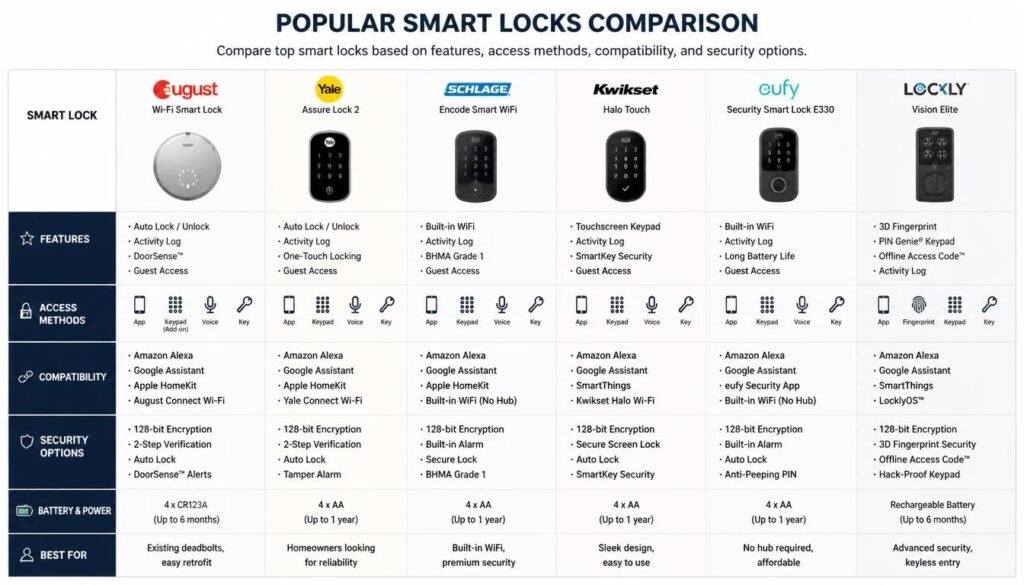
The following comparison highlights popular smart locks based on features, access methods, smart-home compatibility, security options, and battery or power requirements.
| Smart Lock | Best For | Main Strength |
|---|---|---|
| Schlage Encode Plus | Premium / Apple users | Wi-Fi, Matter, Thread, Home Key |
| Yale Assure Lock 2 | Flexible setups | Multiple configurations |
| Aqara U200 | Smart-home enthusiasts | Matter over Thread + multiple entry methods |
| Level Lock+ | Minimalist design | Discreet appearance |
| August Wi-Fi Smart Lock | Retrofit users | Existing-hardware approach |
| Ultraloq U-Bolt Pro | Multiple entry methods | Keypad and biometric options |
| SwitchBot Lock Pro | Retrofit alternative | Flexible installation approach |
Important: Features can vary between versions, regions, firmware, and accessories. Always check the exact model before buying.
How to Choose the Best Smart Lock for Your Home
Before purchasing, answer these questions.
Do You Need Remote Access?
If you want to control or monitor your lock while away from home, look for a model with the appropriate remote-access setup.
Do You Want a Keypad?
A keypad can be more convenient for families and guests because users do not need a smartphone.
Do You Want Fingerprint Access?
Fingerprint entry is useful if you want quick keyless access without entering a PIN.
Do You Already Have a Smart-Home Ecosystem?
If you already use Apple Home, Google Home, Alexa, SmartThings, Aqara, or another ecosystem, choose a lock that works with your setup.
Do You Need Matter?
Matter can be useful if interoperability is important to you.
However, check the exact features supported through Matter rather than assuming every manufacturer feature will be available.
Is Your Door Compatible?
This is one of the most important questions.
A high-end smart lock is useless if it does not properly fit your door.
Always check the manufacturer’s compatibility requirements before ordering.
Who Should Buy a Smart Lock?
A smart lock may be a good choice if you:
- Frequently lose or forget keys
- Want keyless entry
- Need temporary access codes
- Manage a rental property
- Want to monitor access
- Already use smart-home devices
- Want remote lock control
- Prefer fingerprint or keypad access
Who May Not Need a Smart Lock?
A smart lock may not be necessary if:
- You prefer a simple mechanical lock.
- You do not want battery-powered hardware.
- Your door is incompatible with available models.
- You do not need digital access features.
- You are uncomfortable managing another connected device.
A traditional high-quality deadbolt can still be a perfectly reasonable choice.
The Future of Smart Locks
Smart-lock technology is likely to become more integrated with the wider smart-home ecosystem.
Matter and Thread are helping drive interoperability, while manufacturers continue developing new access methods and automation features.
Future improvements may include:
- Better cross-platform compatibility
- More reliable biometric authentication
- Improved battery efficiency
- More sophisticated access management
- Stronger cybersecurity protections
- Better integration with cameras and video doorbells
- More seamless smart-home automation
However, buyers should focus on practical reliability rather than purchasing a product simply because it has the newest technology.
Frequently Asked Questions About Smart Locks
Are smart locks safe?
Smart locks can be secure when they are properly installed and configured. Choose a reputable manufacturer, use strong account security, enable two-factor authentication when available, and keep firmware updated.
Can a smart lock be hacked?
Like other connected devices, smart locks can have cybersecurity risks. A compromised account, outdated software, weak password, or vulnerable device can create problems. Good security practices reduce these risks.
What happens if a smart lock battery dies?
The answer depends on the model. Some smart locks provide a physical key, while others offer an external emergency power method. Always check the backup-entry method before buying.
Can smart locks work without Wi-Fi?
Yes, depending on the model. Some locks can still be operated locally using Bluetooth, a keypad, fingerprint recognition, NFC, or a physical key. However, remote features may require an internet connection.
Do smart locks work with Alexa?
Some smart locks support Amazon Alexa, but compatibility varies by model. Check the manufacturer’s official compatibility list before purchasing.
Do smart locks work with Google Home?
Many smart locks support Google Home, but the available features can vary. Check whether the specific lock supports the functions you need.
Do smart locks work with Apple Home?
Some smart locks support Apple Home, and certain models also support Apple Home Key. Compatibility depends on the exact lock and configuration.
Is Matter important for a smart lock?
Matter can be useful if you want broader smart-home interoperability. However, you should check which features are supported through Matter and which require the manufacturer’s app or hub.
Are smart locks worth it?
For many homeowners, yes. The biggest advantages are convenience, keyless entry, temporary access, activity monitoring, and smart-home integration.
However, if you only want a basic mechanical lock and do not need these features, a traditional deadbolt may be a better choice.
Final Verdict: Are Smart Locks Worth Buying in 2026?
Smart locks have evolved far beyond simple electronic keypads.
Modern models can combine keyless entry, temporary access codes, remote control, activity monitoring, biometric authentication, smart-home integration, and standards such as Matter and Thread.
The best smart lock for you depends on your door, budget, preferred entry method, and smart-home ecosystem.
For a premium smart-home setup, the Schlage Encode Plus is a strong option, particularly for Apple users. The Yale Assure Lock 2 offers flexibility across different configurations, while the Aqara U200 is an interesting choice for users looking for Matter-over-Thread connectivity and multiple entry methods. Other options such as Level, August, Ultraloq, and SwitchBot may be better depending on your door and priorities.
Before buying, measure your door, confirm compatibility, check the exact model’s connectivity requirements, and understand its backup-entry method.
Most importantly, remember that a smart lock is only one part of home security. Combine a reliable lock with a strong door and frame, secure account settings, firmware updates, and other appropriate security measures.
The right smart lock should not only make your door easier to open—it should make access easier to manage without compromising the fundamentals of home security.